
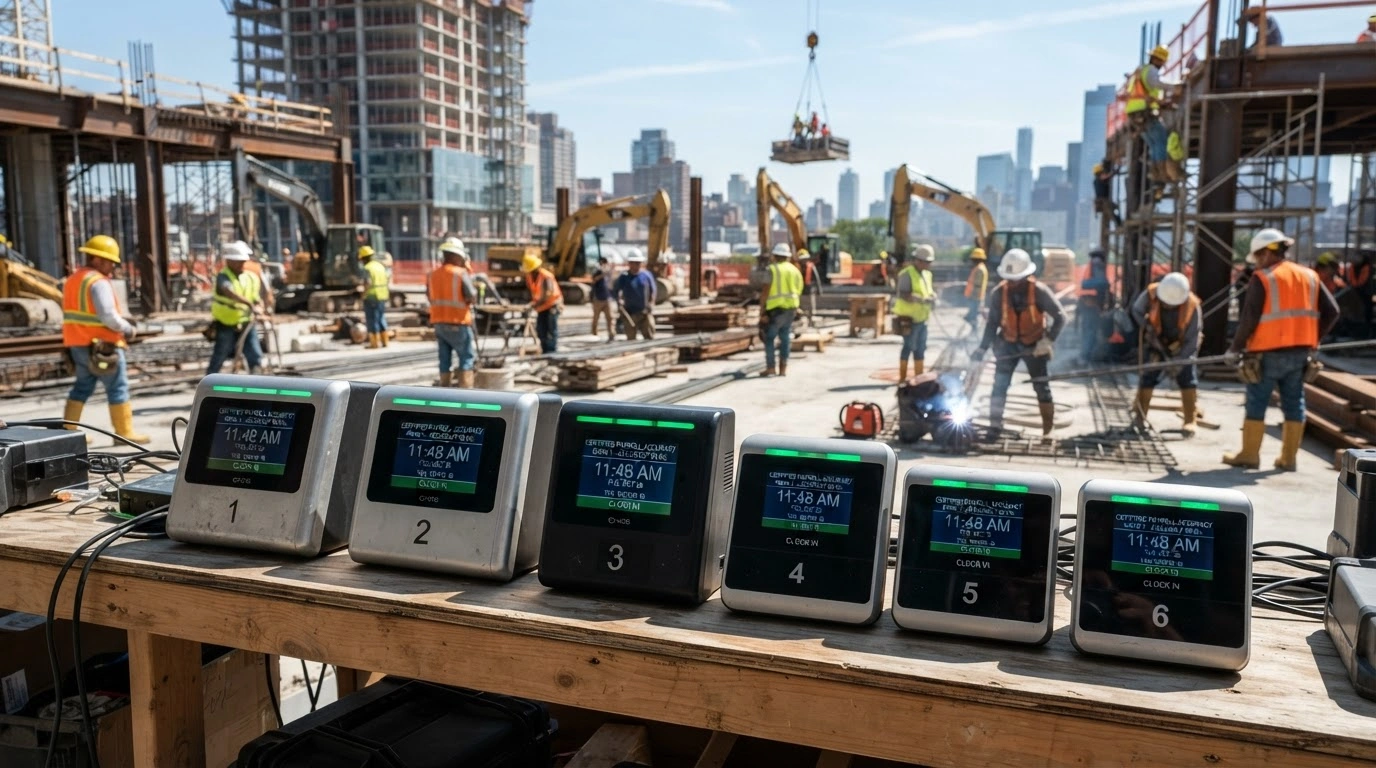
Certified payroll is already complicated enough without inaccurate clock-ins creating even more work. Construction GPS time clock platforms help verify where employees clock in, but not every platform is built for the realities of field work. Managing multiple job sites, working in low-signal areas, and preventing buddy punching all require tools that perform reliably. This guide compares six platforms that do it best.
The shortlist methodology
Publicly available user reviews, feature documentation, ratings across major platforms, and official product pages were all pulled together before any shortlist took shape. Only platforms with a demonstrated track record in construction or field-based workforce management made the cut.
→ See the full research breakdown
- Buddy Punch - Best for affordable GPS-verified job costing time tracking
- My Hours - Best for affordable, simple labor cost tracking
- DeskTime - Best for office-based remote and hybrid teams
- TimeTackle - Best for calendar-native knowledge worker time tracking
- Everhour - Best for office-based construction scheduling
- Harvest - Best for simple construction time tracking and invoicing
Why Construction GPS Time Clock Platforms Are More Than a Line Item
Payroll errors on a construction site don't just cost money. They can create Davis-Bacon Act and prevailing wage compliance exposure that takes months to untangle.
Field crews punch in from spread-out locations, connectivity drops in rural zones, and no manager can physically verify every clock-in across multiple active job sites. A platform built for this environment closes those gaps with GPS-verified check-ins, geofencing that blocks off-site punching, and offline sync so the data still captures when the signal disappears.
Get this right, and you'll see GPS check-in accuracy tighten, payroll processing time drop, and buddy punching incidents fall because the app makes it harder to fake a location than to just show up.
Quick-Look Comparison: 6 Best Construction GPS Time Clock Platforms
Note: All data in this table is sourced from review platforms and the official websites of the listed companies.
| Company Name | Years Operating | Price | Headquartered In | Rating |
| Buddy Punch | Since 2013 | From $4.49/user/month + $19/month base fee | Appleton, Wisconsin, USA | 4.8/5 (Capterra, 1,018+ reviews) |
| My Hours | Since 2002 | From $4/user/month (Free tier available) | Ljubljana, Slovenia | 4.8/5 (986+ reviews) |
| DeskTime | Since 2010 | From $6.42/user/month (annual billing) | Riga, Latvia | 4.5/5 (Capterra, 512 reviews) |
| TimeTackle | Since 2021 | From $7/month (Free tier available) | San Jose, California, USA | 4.5/5 (Chrome extension) |
| Everhour | Since 2015 | From $8.50/user/month (annual billing) | Limassol, Cyprus | 4.7/5 (G2, Capterra, GetApp) |
| Harvest | Since 2006 | From $11/user/month | New York, USA | 4.7/5 (G2) |
1. Buddy Punch - Best for Affordable GPS-Verified Job Costing Time Tracking
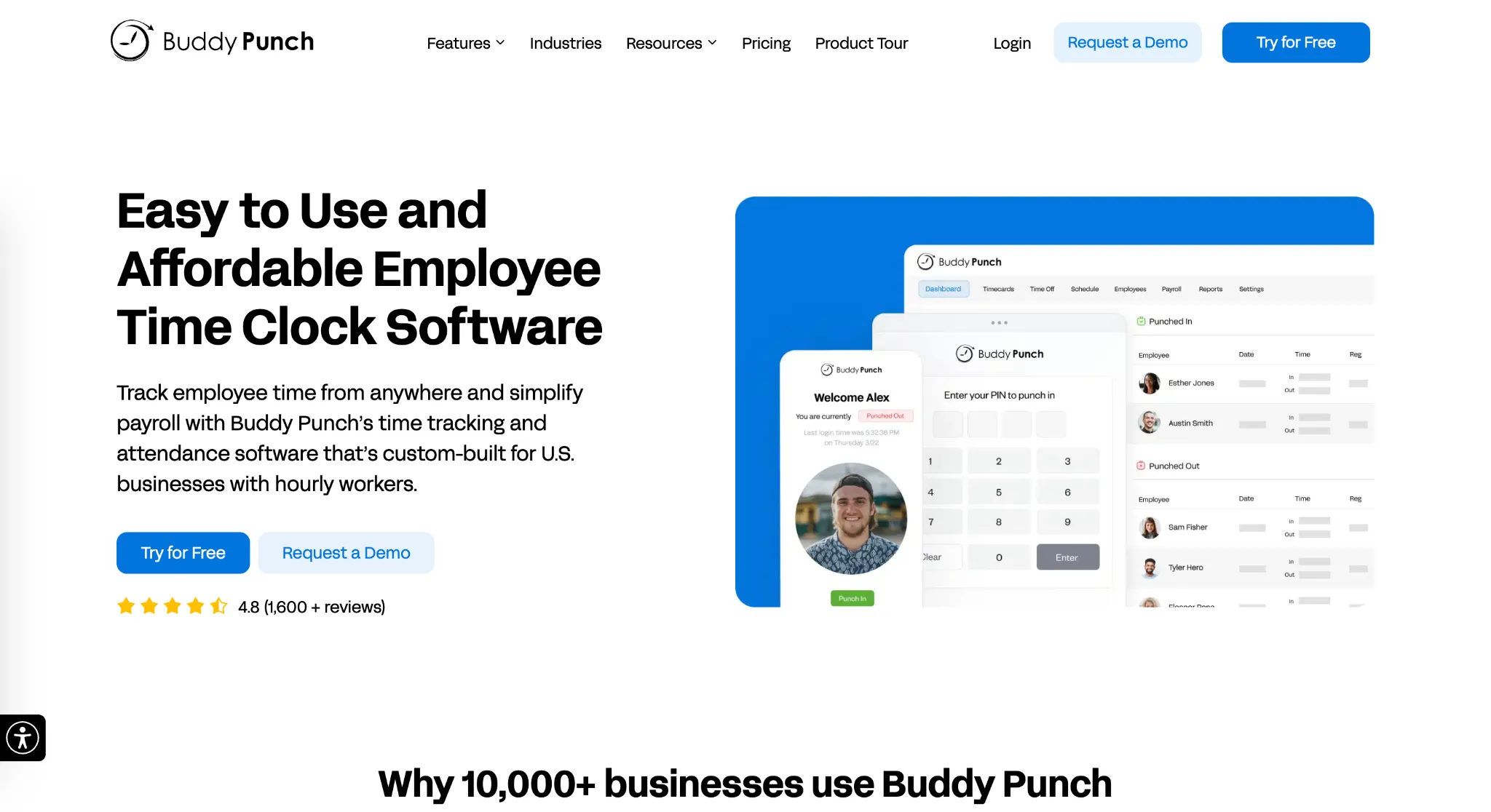
How Can Buddy Punch Be Used?
Buddy Punch gives construction companies a mobile time clock that field crews can use from any job site, with GPS tracking and geofencing built in to confirm workers are actually on location before a punch registers. The platform supports multiple clock-in methods, including web, mobile apps, and kiosks, and it lets managers assign prevailing wage rates by project. Photo verification adds another layer against buddy punching. Direct integrations with QuickBooks, ADP, and Paychex mean payroll runs from verified field data rather than guesswork.
Why Does Buddy Punch Belong on This List for Construction GPS Time Clock Platforms?
Multi-site construction operations need location-verified time data tied to specific projects, not just a generic clock-in timestamp. That's exactly what Buddy Punch is built around. Their job costing features combined with GPS-verified punching make certified payroll reporting far more manageable than it is with a spreadsheet or a standard time tracker.
Real-World User Take:
Field crews and managers both find the mobile interface easy to pick up with minimal training, which matters a lot when you're bringing on non-tech-savvy laborers mid-project. Users consistently flag the geofencing and photo verification as the features that actually changed their payroll accuracy. The $19 monthly base fee gets mentioned by smaller teams, but most say the time savings more than cover it.
2. My Hours - Best for Affordable, Simple Labor Cost Tracking
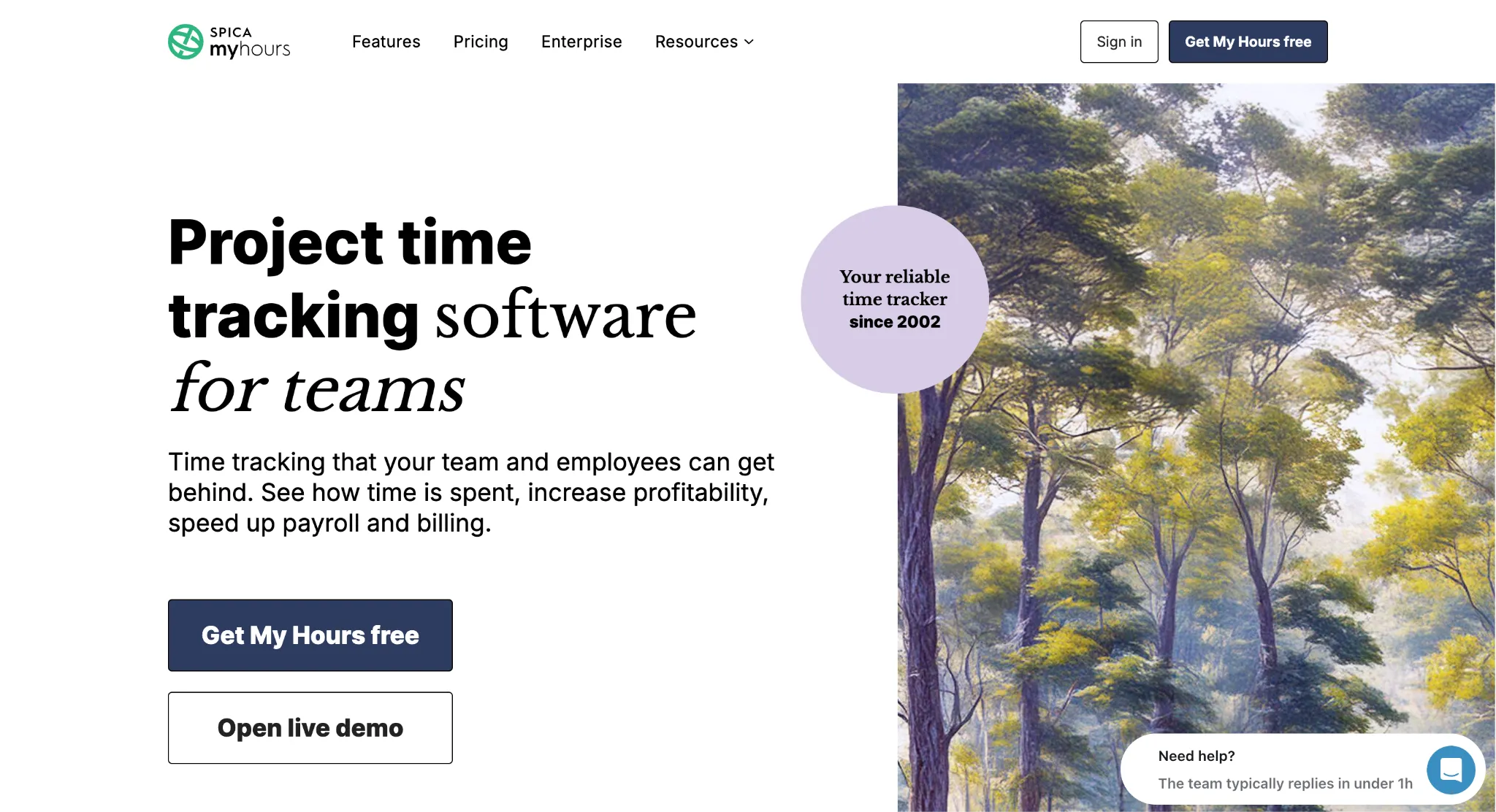
How Can My Hours Be Used?
My Hours is a time tracking platform that's been around since 2002, rebuilt for modern workflows in 2015, and now serves over 20,000 active users. Construction teams use it to log hours by project, monitor budgets in real time, and pull client-ready reports without a complicated setup. The mobile app works offline, which is genuinely useful for crews in remote areas where signal drops. QuickBooks syncs with it to keep the accounting side connected, and multi-crew project support means managers aren't juggling separate systems for each site.
Why Does My Hours Belong on This List for Construction GPS Time Clock Platforms?
Small-to-medium construction teams that need clean labor cost tracking across multiple projects without a long learning curve will find My Hours fits that need well. The offline mobile capability is a real differentiator for job sites where connectivity is inconsistent, even if the platform doesn't offer GPS geofencing or buddy punch prevention the way dedicated field tools do.
Real-World User Take:
Reviews point to the free tier and affordable paid plans as a major draw, especially for smaller contractors watching overhead costs. Users describe setup as straightforward and the reporting as flexible enough for most billing scenarios. Teams tend to love the simplicity but wish the platform had stronger field verification features. No geofencing is the most common gap mentioned.
3. DeskTime - Best for Office-Based Remote and Hybrid Teams
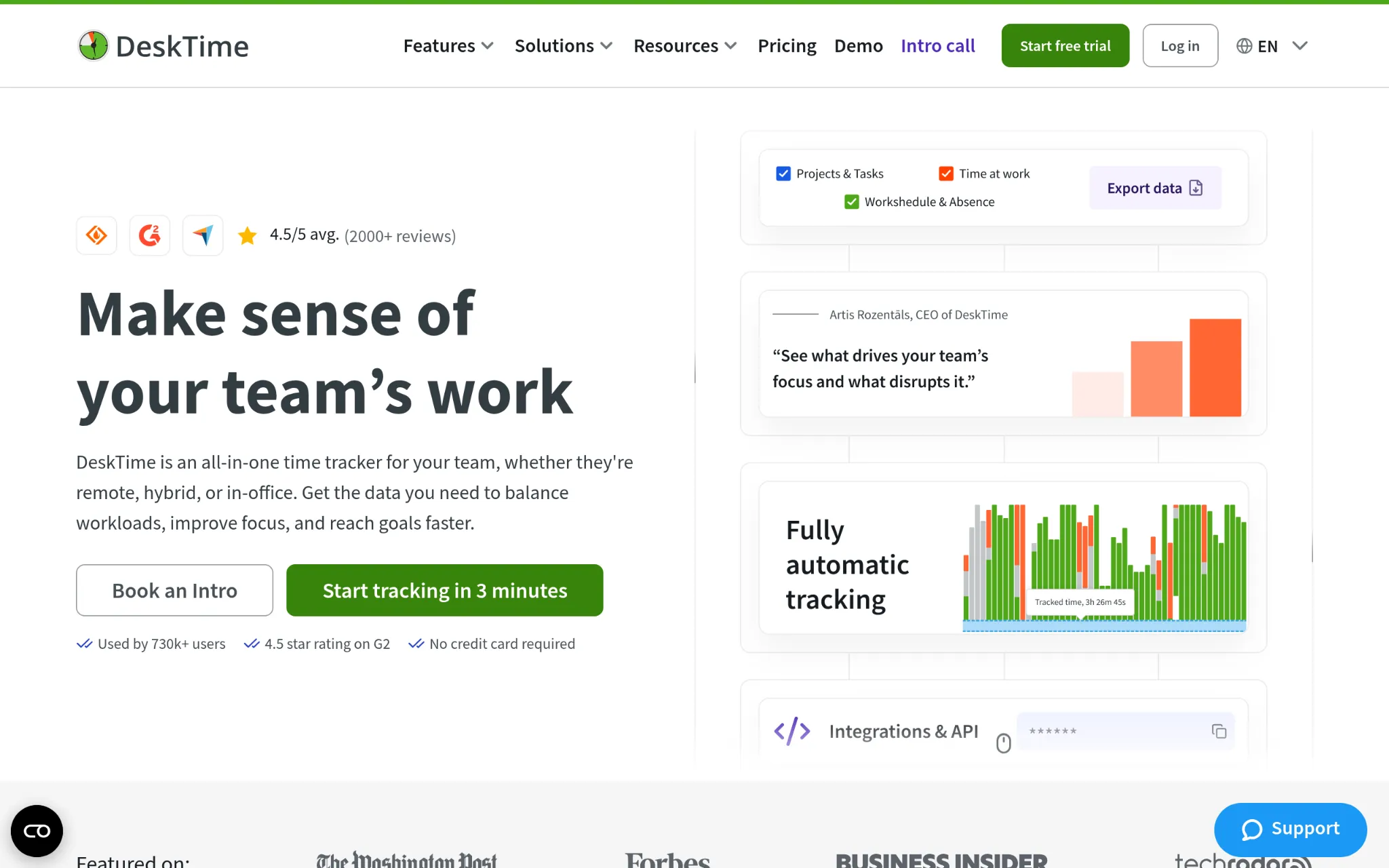
How Can DeskTime Be Used?
DeskTime is an automatic time tracking platform built around desktop and application monitoring. It captures how time is spent across software, websites, and projects without requiring manual entries, and it adds shift scheduling and absence management on top. The platform works well for office-based and remote teams that need productivity visibility across digital work, and it connects with common calendar and project tools. For construction management, the fit is limited since the platform centers on screen-based work rather than field crews.
Why Does DeskTime Belong on This List for Construction GPS Time Clock Platforms?
DeskTime covers administrative and back-office construction roles well, particularly project coordinators or remote estimators who spend their day at a computer. Field-facing crews won't find GPS geofencing, location-verified punching, or offline sync here, so teams with meaningful field operations will need a different tool for that side of the house.
Real-World User Take:
Users consistently point to the automatic tracking as the standout feature since there's nothing to remember to start or stop. Reviewers on Capterra and G2 appreciate the productivity reporting but flag privacy concerns around continuous monitoring. DeskTime earns strong marks for office environments but gets little mention from field-based construction users.
4. TimeTackle - Best for Calendar-Native Knowledge Worker Time Tracking
How Can TimeTackle Be Used?
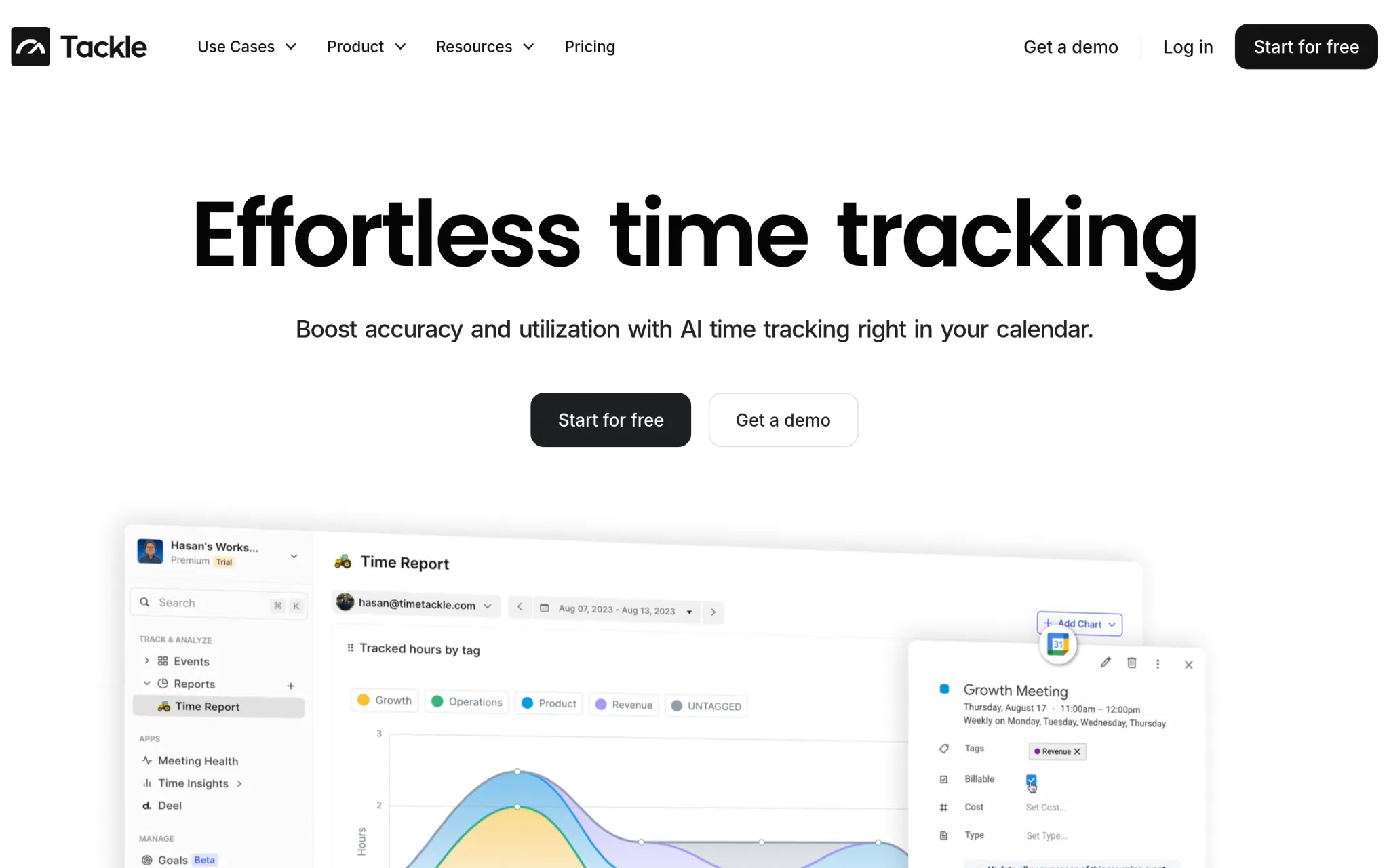
TimeTackle pulls time tracking directly into Google Calendar and Outlook, using automated tagging to categorize entries and generate analytics dashboards without manual input. The platform is built for knowledge workers and project-based teams that live in their calendars, making it a clean fit for professional services or internal operations roles. Teams track billable hours, measure where time goes across meetings and tasks, and export custom reports. Construction field operations, with their need for GPS verification and offline mobile punch-in, fall outside what TimeTackle is designed to handle.
Why Does TimeTackle Belong on This List for Construction GPS Time Clock Platforms?
Construction firms with office-based project managers, estimators, or admin staff can use TimeTackle to track how that team's time breaks down across bids, client calls, and coordination work. For field crews punching in from job sites, the platform simply doesn't have the location-based tools to fill that role.
Real-World User Take:
Users highlight the calendar connection as genuinely smooth, noting that time entries capture themselves once the tagging rules are set up. The Chrome extension holds a 4.5/5 rating and reviewers describe it as quick and reliable. The feedback skews heavily toward office users, and there's no meaningful presence of construction field use cases in the reviews.
5. Everhour - Best for Office-Based Construction Scheduling
How Can Everhour Be Used?
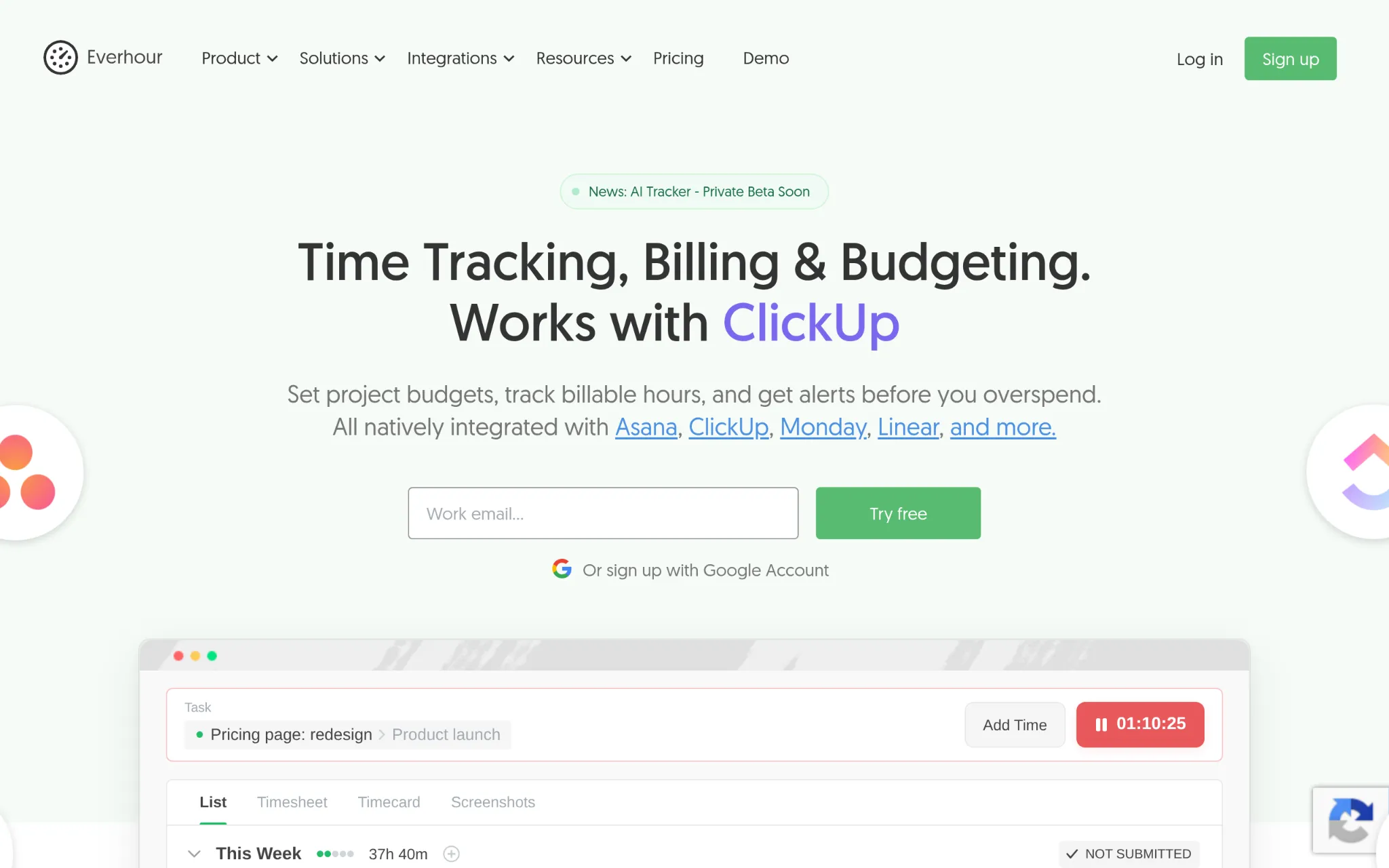
Everhour is a time tracking and budgeting platform that connects natively with project management tools like Asana, ClickUp, Jira, and Trello. Their newer Shifts product adds workforce scheduling for construction teams and field service operations, with mobile-accessible schedules and real-time labor tracking across job sites. The platform handles project budgets, invoicing, and detailed reporting well. Where it falls short for field construction use is GPS tracking and offline functionality, two things field crews generally can't work without.
Why Does Everhour Belong on This List for Construction GPS Time Clock Platforms?
Construction companies that manage a lot of their coordination through tools like Asana or ClickUp will find Everhour connects cleanly into that existing workflow, particularly for scheduling and budget tracking. Field crews at remote or low-connectivity job sites will hit limitations quickly, so Everhour fits best on the administrative and scheduling side of construction rather than as a full field time clock replacement.
Real-World User Take:
The praise in reviews centers on how well Everhour connects with project management tools, especially Asana, and how clean the timesheet setup is. Reviewers frequently mention the 5-seat minimum pricing as a friction point for smaller contractors. Satisfaction runs high for remote and office-based teams but drops noticeably when field verification is part of the requirement.
6. Harvest - Best for Simple Construction Time Tracking and Invoicing
How Can Harvest Be Used?
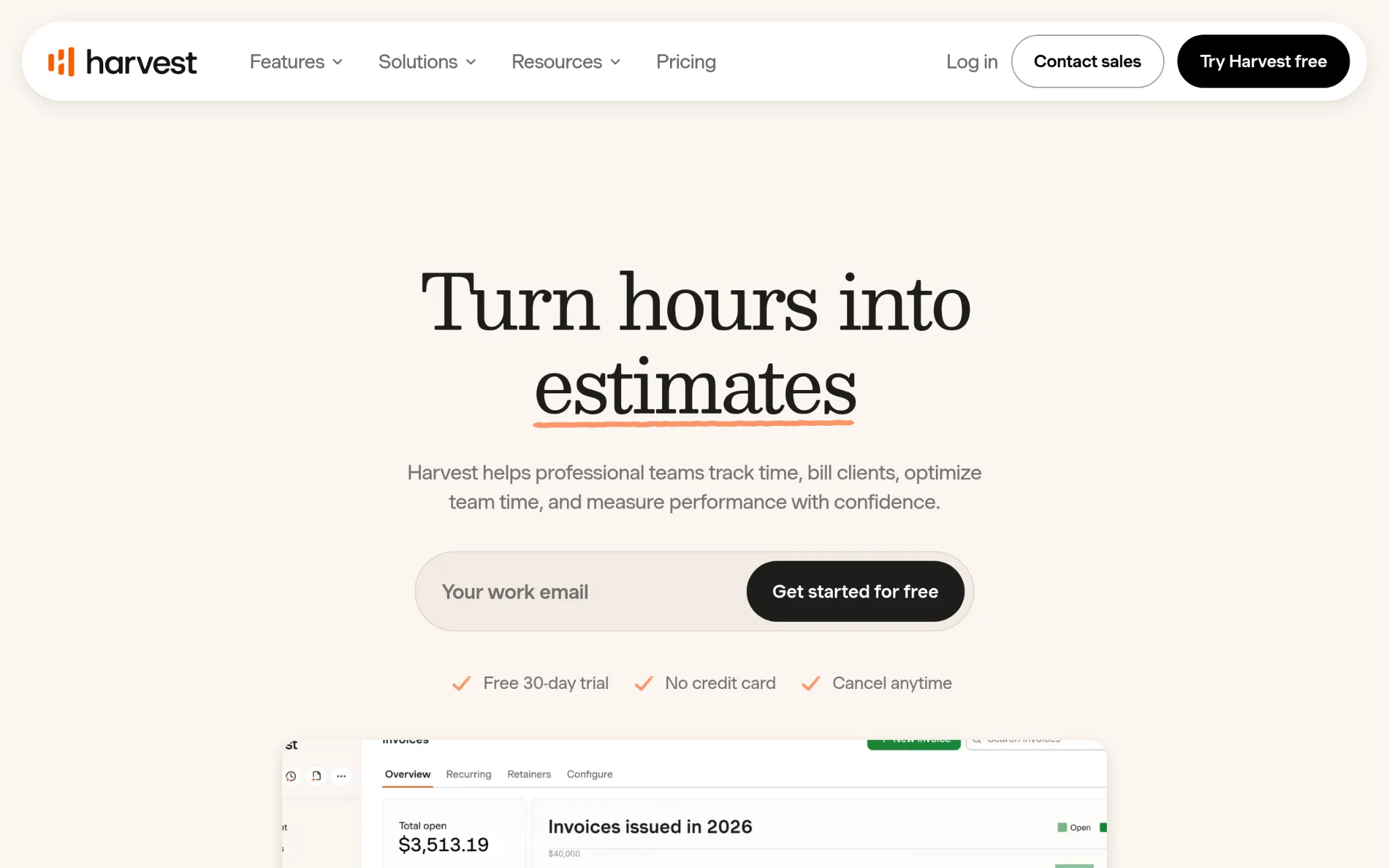
Harvest has been tracking time and invoicing for project-based teams since 2006, and it's built a reputation for keeping both simple. Construction teams use it through the mobile app to log hours from job sites, then tie that data to project budgets and generate invoices without jumping between tools. Connections with QuickBooks, Xero, Asana, and Basecamp give construction firms a clear view of labor costs and project health. The one consistent gap is GPS tracking since Harvest doesn't offer geofencing or location-verified punching natively.
Why Does Harvest Belong on This List for Construction GPS Time Clock Platforms?
Construction firms that bill clients by project and need a clean, low-friction system to track hours and issue invoices will find Harvest handles that workflow without a steep learning curve. Location verification isn't part of the package, so teams with real time theft risk or remote site management challenges should weigh that tradeoff carefully before committing.
Real-World User Take:
Long-time users describe the invoicing workflow as one of the most intuitive they've used, and the QuickBooks sync gets consistent praise. Reviews from 2025 onward flag meaningful pricing changes following Harvest's acquisition, with some users reporting cost increases that disrupted their planning. That kind of pricing unpredictability is worth factoring in before signing a contract.
How the Top Contenders Were Selected
Information Assembly for Your Analysis
The research process started by building a broad list of platforms that appeared across construction industry forums, software review directories, and field management resource pages. Each candidate's official product pages, feature documentation, and published pricing were collected alongside user-generated content from platforms like G2, Capterra, and GetApp. The goal at this stage was coverage, pulling in every option with any meaningful presence in construction time tracking before applying filters.
Filtering Candidates Against Your Criteria
Once the initial list was in place, options were narrowed based on whether they had verifiable construction use cases, not just broad workforce or time tracking claims. Platforms where construction teams appeared only incidentally in the review base were noted separately from those with clear, recurring field worker adoption patterns. Review volume, recency, and consistency of feedback were all factored into the shortlisting decision.
Authenticity Review
Each platform's stated capabilities were checked against what real users described in their reviews. Where a company's feature list included GPS tracking or geofencing, the review base was scanned for confirmation that these features worked reliably in field conditions. Discrepancies between marketing claims and what reviewers actually experienced, like offline sync that was inconsistent or GPS that only worked in certain configurations, were flagged in the write-ups.
Awards, Mentions, and Industry Voice
Recognition signals were also pulled into the evaluation. Platforms mentioned in construction trade publications, awarded badges on major review sites, or were cited in field operations case studies carried additional weight. These signals don't replace product quality, but they do confirm that a platform has earned attention from people who understand construction workflows, not just general business software buyers.
Evidence That Matters for Construction GPS Time Clock Platforms
The final filter focused on construction-specific evidence: dedicated construction landing pages, verified reviews from field crews and site managers, and case studies showing real-world results like payroll processing time reduction or drops in time theft. Platforms with only generic workforce management pages and no construction-specific user feedback were ranked lower or excluded. Tools with dedicated job costing features, prevailing wage support, or explicit geofencing for job site perimeters ranked higher because that's the evidence that translates to certified payroll accuracy in the field.
Decision Factors When Picking Construction GPS Time Clock Platforms
Choosing a GPS time clock for a construction operation isn't the same as picking general HR software. The field environment, the crew profile, and the payroll complexity all shape what actually works. Here are the factors that matter most when evaluating your options.
- Industry/Domain Experience: Look for platforms with real construction use cases, not just a landing page. If the reviews don't include field crews and site managers, the tool wasn't built with your environment in mind.
- Features and Service: GPS geofencing, offline sync, photo verification, and job costing are the features that separate a construction-ready platform from a general time tracker. Prioritize these over bells and whistles that serve office environments.
- Pricing Structure: Per-user fees plus base fees can add up fast on a large crew. Run the math at your actual headcount before committing, and check whether the features you need are on the base plan or locked behind a higher tier.
- Results Measurement: A good platform should make it easy to compare estimated versus actual hours per project. Labor cost variance tracking is how you know the tool is earning its keep.
- Industry Knowledge and Compliance: Davis-Bacon Act requirements, FLSA overtime rules, and prevailing wage laws vary by project type and state. The platform you pick should make it straightforward to capture the data those requirements demand, not create extra work to meet them.
The Takeaway
Certified payroll accuracy comes down to one thing: verified, location-confirmed hours tied to the right project codes. The platforms on this list range from field-first GPS tools to office-friendly schedulers, and the right fit depends on where your biggest exposure sits. For most small-to-midsize contractors, a platform like Buddy Punch that combines GPS-verified punching with job costing at an accessible price point hits the most important marks. As construction crews become more distributed, that real-time location visibility will only matter more.